There is nothing complicated about using a digital pass, but seeing the whole flow before you start removes any doubt. This page walks through every step in order, answers the small practical worries that come up, and shows that the only thing you need is the phone you already carry. If you want the deeper technical view of what happens behind each step, the services page has it; this page is the visitor's view.
That is genuinely all of it. Each step below takes a minute or two, and steps one to three can all be done before you leave your hotel in the morning.
On the pricing page, pick a regional, multi-region, group or student pass. Confirm its coverage on the coverage page first if you want to be sure. Pay once, securely — your card details are never exposed in a web address.
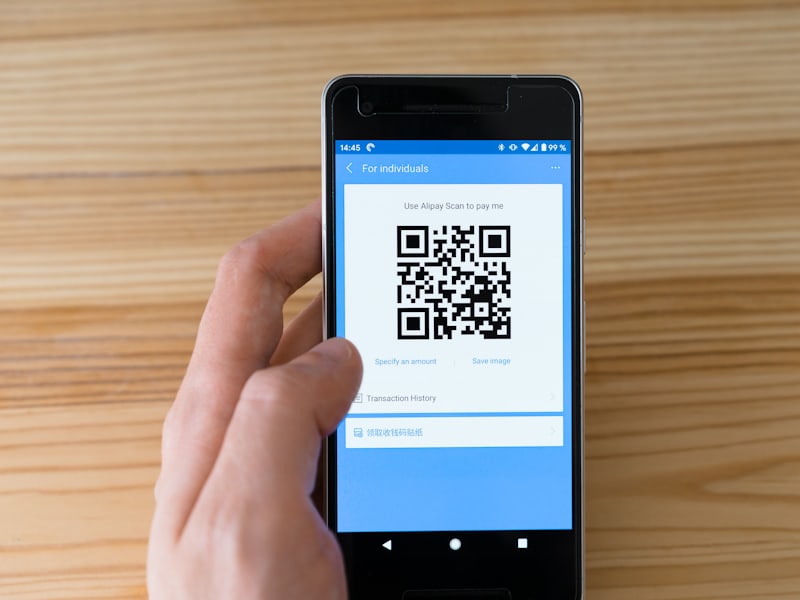
The moment your payment clears, your pass arrives by email as a QR code, along with a confirmation. There is no waiting, no collection point, and no separate activation — the pass is ready the second you have it.
Save the QR to your photos or your wallet app so it works without a signal — important inside thick-walled museum buildings. The mobile pass guide shows exactly how on every phone type.
At each museum, open the saved QR and show it at the entry. It is scanned, you walk in, and the pass stays ready for the next museum until your validity window ends. No reprinting, no re-queuing.
Most hesitation about a digital pass comes down to a handful of practical worries, so here they are, answered directly. What if my phone has no signal in the museum? You saved the pass offline, so it works regardless. What if my battery dies? Keep a screenshot, and consider a small power bank for a long day — the same advice as for any phone-based travel. What if the QR will not scan? Turn your screen brightness up and show the saved image, not a link; if it still fails, the door staff can call us to verify, or we reissue it. What if I bought the wrong region? An unused pass is fully refundable, so you swap it with no loss. None of these is a reason to stick with paper.
The honest summary is that a digital pass removes far more friction than it adds. The one new habit it asks of you — save the QR offline before you set out — takes thirty seconds and is covered step by step in the mobile pass guide.
No — each person needs their own pass, because each QR is scanned individually at the door. For several people travelling together, a group pass issues one pass per person from a single purchase, at a lower per-person rate.
From the first scan, not from purchase. So buying a few days ahead is safe — the clock only starts the day you actually begin visiting.
No. The pass covers all included museums in its region or regions; you simply visit whichever ones you like, in any order, within the validity window. Nothing is booked to a fixed time slot, so you are free to change your mind on the day. Check exactly what is included on the coverage page before you buy.
Confirm your coverage and get your pass on your phone.
See passes & prices Mobile guide