Readable & high-contrast
Text meets AA contrast against its background, the type scales cleanly when you zoom, and the layout reflows to a single column on small screens and at large text sizes without losing content.
A digital pass must not become a barrier of its own. This page sets out how e-Pass Museum works for visitors with accessibility needs: the accessibility of this website itself, how to use a pass if you do not use a smartphone, how companion and carer entry is handled, and how to check each museum's physical access before you go. We are honest about one limit up front — we sell entry, we do not run the buildings, so the museums set their own physical access, and we point you to the right information rather than pretending to control it.
The site you are reading is built to meet WCAG AA, because the place people decide whether the pass is for them must itself be usable by them.
Text meets AA contrast against its background, the type scales cleanly when you zoom, and the layout reflows to a single column on small screens and at large text sizes without losing content.
Every link, button and form field is reachable and operable by keyboard, with a visible focus outline, and the navigation, forms and status messages carry the ARIA labelling a screen reader needs.
If your device is set to reduce motion, the site honours that and suppresses non-essential transitions. There is no flashing content and nothing that moves without your action.
The pass is designed for a phone, but it does not strictly require one. The QR code can be printed — on plain paper, at home or at your hotel — and a printed QR scans at the door exactly like a screen. So a visitor who does not use a smartphone, or prefers not to depend on one, can carry a printed pass and lose none of the benefit of skipping the ticket queue. If printing is difficult, tell us when you buy and we will help find a workable option; we would rather solve it than turn anyone away.
On companion and carer entry: many museums admit a necessary companion or carer of a disabled visitor without a separate charge, under their own access policy. Because that is the museum's policy rather than ours, we cannot apply it automatically to the pass, but we will tell you what we know of each covered museum's companion policy if you ask through the contact page, so you can plan with the right information. Where a companion does need their own entry, a group pass or a second individual pass covers them.
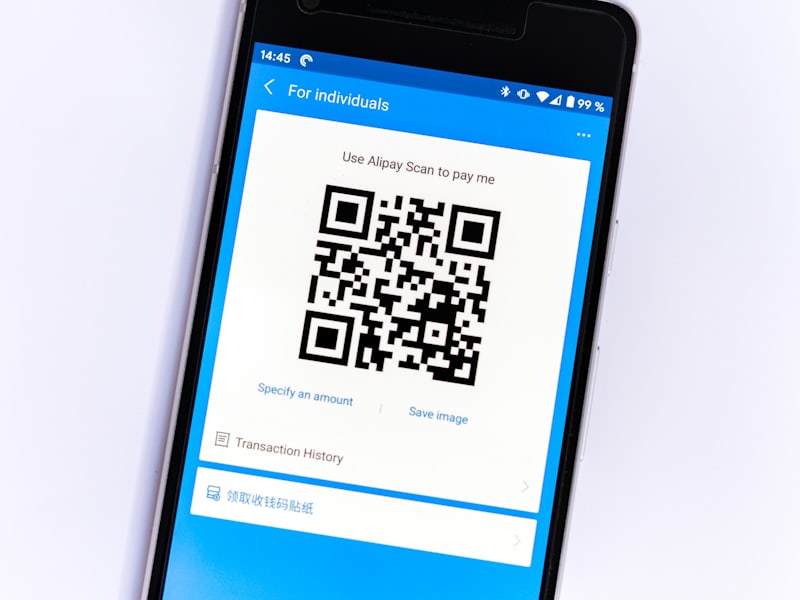
Yes. Print the QR code on plain paper and present it at the door — it scans just like a phone screen. If printing is hard for you, contact us and we will help find a way that works.
Carer and companion entry is set by each museum's own access policy, not by us, so we cannot apply it to the pass automatically. Ask us and we will share what we know of a specific museum's policy; where a separate entry is needed, a second or group pass covers it.
Physical access — step-free routes, lifts, accessible facilities — is the museum's own provision and varies considerably building to building, since many are historic structures. Tell us which museums you plan to visit through the contact page and we will point you to the access information we have for each, so you can plan ahead rather than discover a barrier on arrival.
Tell us your needs and your planned museums and we will help you plan before you buy.
Contact the desk Check coverage